PREMIUM .COM BACKUP DISCOVERY CYBER RECOVERY RESILIENCE
KNOW WHAT YOU CAN RECOVER.
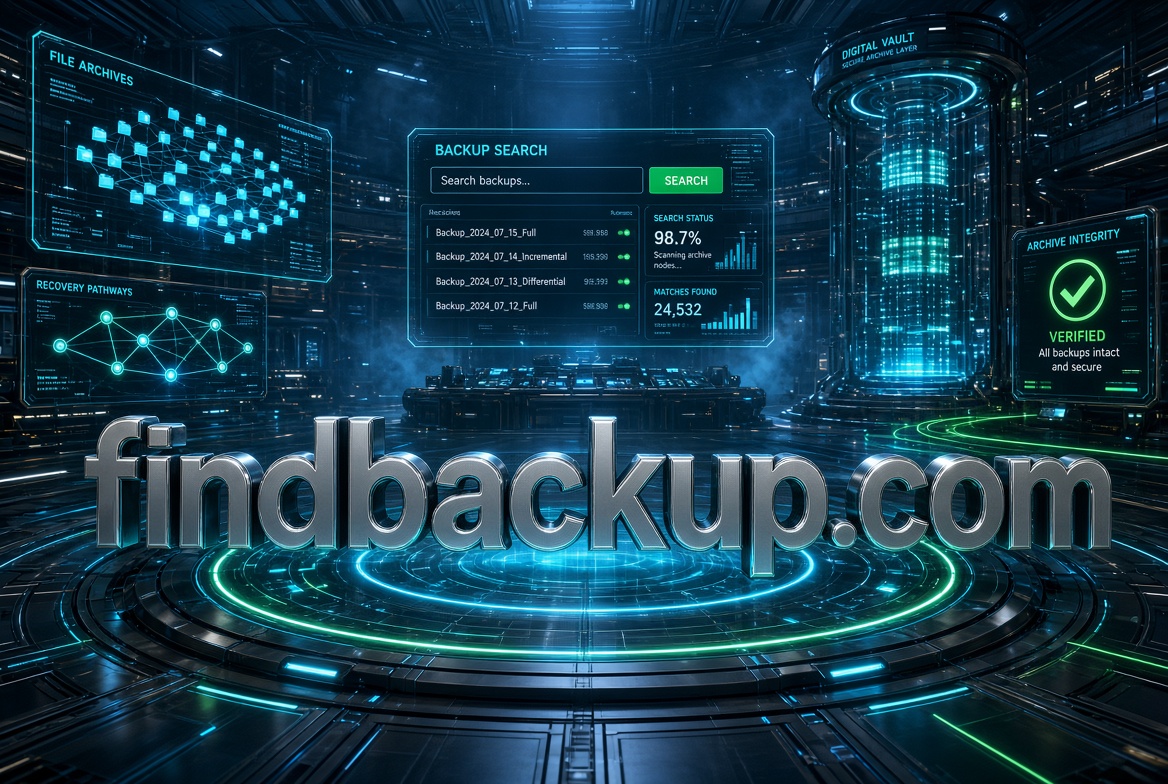
FindBackup.com
A commanding data resilience brand for discovering backups across cloud, SaaS, endpoints, servers, databases, storage, and datacenters—then identifying the right recovery point when it matters most.
FB / RECOVERY RADAR
● SCAN ACTIVE
WORKLOAD
LAST COPY
STATE
RECOVERY
CUSTOMER DATABASE
12 MIN
CLEAN
READY
MICROSOFT 365
34 MIN
CLEAN
READY
PRODUCTION VM
2 HR
VERIFY
CHECK
FINANCE FILES
19 HR
STALE
RISK
THE RECOVERY PROBLEM
A backup only matters if you can find the right one.
Modern organizations can have backup copies scattered across cloud accounts, SaaS platforms, appliances, object storage, datacenters, endpoints, snapshots, archives, and third-party services. FindBackup turns that fragmented estate into a searchable recovery map.
THE MISSION
FIND
↓
VERIFY
↓
SELECT
↓
RECOVER
RECOVERY CONTROL PLANE
Search every copy. Trust the right one.
01 / FIND
Backup Discovery
Cloud · SaaS · VM · database · endpoint · storage · archive
02 / VERIFY
Recovery Proof
Integrity · malware · age · completeness · restore testing
03 / CHOOSE
Recovery Point
Clean point · RPO · dependency · priority · confidence
04 / RECOVER
Restore Control
Files · apps · systems · identity · environments · operations
THE CORE IDEA
Google for your
recovery estate.
Search by application, server, user, file, database, date, workload, cloud, location, recovery point, or incident window. FindBackup answers the question operations teams eventually have to ask: “Where is the backup we actually need?”
FB / UNIVERSAL SEARCH
⌕
Find clean backup for prod-db before incident...
RESULT
TIME
HEALTH
SCORE
PROD-DB / VAULT-03
01:42
CLEAN
98%
PROD-DB / CLOUD-02
00:58
CLEAN
94%
PROD-DB / SNAPSHOT
02:10
VERIFY
71%
RECOVERY CONFIDENCE
Backup success isn't
recovery success.
FindBackup can continuously evaluate whether protected workloads are actually recoverable by tracking backup completion, copy integrity, immutability, restore testing, malware signals, encryption, retention, age, dependencies, and recovery objectives.
RANSOMWARE RECOVERY
Find the last clean copy
before the attack.
During a cyber incident, recovery teams don't simply need the newest backup. They need the newest trusted backup. FindBackup can correlate recovery points with anomaly signals and incident timelines to narrow the search for clean restore candidates.
INCIDENT / RECOVERY TIMELINE
RECOMMENDED RECOVERY POINT
03:00 / VAULT-03
Verified before observed anomaly window
BACKUP COVERAGE
Find what isn't
being backed up.
Discovery can work in both directions. Compare the organization's live asset inventory against protected workloads to surface unprotected SaaS accounts, databases, cloud resources, endpoints, applications, virtual machines, containers, and newly created infrastructure.
IMMUTABLE VAULTS
Know which copies
can't be changed.
FindBackup can catalog immutable and isolated recovery copies separately from ordinary backups, making it easy to identify protected vaults, retention locks, offline copies, cross-account copies, air-gapped repositories, and disaster recovery locations.
VAULT / RECOVERY INVENTORY
LOCKED
Vault 01
Immutable · 30 day retention
ISOLATED
Cloud Vault
Cross-account · encrypted
OFFLINE
Archive 04
Offline copy · long-term retention
RECOVERY OBJECTIVES
Find the gap before
the outage finds you.
Map actual backup and restore performance against business recovery requirements. FindBackup can flag workloads where RPO, RTO, retention, redundancy, restore testing, or recovery confidence no longer meets policy.
SAAS RECOVERY
Your cloud apps
contain business memory.
The discovery layer can extend beyond infrastructure into business-critical SaaS data—giving teams one place to locate protected email, documents, collaboration data, CRM records, user accounts, projects, and application content.
PROTECTION / WORKLOAD TYPES
CLOUD
Infrastructure
VMs · storage · databases · containers · snapshots
SAAS
Applications
Email · files · CRM · collaboration · productivity
ON-PREM
Datacenter
Servers · databases · VMs · NAS · applications
EDGE
Endpoints
Laptops · workstations · remote offices · devices
IDENTITY
Directory
Users · groups · policies · access · configuration
ARCHIVE
Long-Term
Compliance · retention · legal · historical data
RECOVERY TESTING
Don't assume.
Prove it restores.
FindBackup can turn recovery testing into an observable control: record last successful restore, test frequency, recovery duration, application validation, dependencies, exceptions, and evidence for every critical workload.
FB / RESTORE TEST
Customer Database
RECOVERY VALIDATION / 09:42 UTC
PASSED
INCIDENT MODE
When systems go dark,
make recovery obvious.
Switch from everyday monitoring to an incident-focused command view showing critical services, clean recovery points, dependencies, restore order, vault availability, recovery owners, estimated recovery times, and current status.
INCIDENT / RESTORE ORDER
01
IDENTITY
Restore access
04
VALIDATE
Resume operations
BACKUP INTELLIGENCE
One search layer
above every backup tool.
The strongest version of FindBackup doesn't require enterprises to replace their existing backup products. It becomes the visibility, search, assurance, and recovery intelligence layer across a heterogeneous protection environment.
FB / FEDERATED DISCOVERY
BACKUP A
BACKUP B
CLOUD
SAAS
ARCHIVE
↓
UNIFIED RECOVERY INDEX
FINDBACKUP
↓
SEARCH
VERIFY
ANALYZE
RECOVER
RECOVERY AI
Ask your backup estate
a question.
A natural-language layer could let operators ask questions such as “Which Tier 1 applications haven't passed a restore test this month?” “Find the newest clean copy of FinanceDB.” or “What workloads would prevent us from meeting a four-hour recovery objective?”
ASK FIND / RECOVERY ASSISTANT
FIND
I found 4 recovery points for FinanceDB before the incident window. Two are verified clean. The 02:00 vault copy has the highest recovery confidence and passed its most recent restore test.
COMPARE COPIES VIEW EVIDENCE PREPARE RECOVERY
THE BIGGER IDEA
Don't manage backups.
Manage recoverability.
FindBackup can sit above backup infrastructure as a recovery intelligence layer—continuously answering what is protected, where copies exist, whether they're trustworthy, what is missing, which recovery point is best, and whether the organization can actually recover.
FIND BACKUP / MODULES
FB / DISCOVER
Backup Search
Find every protected copy across the estate.
FB / VERIFY
Recovery Proof
Validate integrity, cleanliness and recoverability.
FB / COVERAGE
Gap Finder
Surface stale, missing and unprotected workloads.
FB / INCIDENT
Recovery Command
Identify clean copies and orchestrate restoration.
FB / REPORT
Recovery Evidence
Testing, policy, audit and resilience reporting.
FB / AI
Recovery Intelligence
Ask questions across the entire protection estate.
THE MOMENT OF TRUTH
The worst time to search
for a backup is during a crisis.
FindBackup exists so the answer is already known. What is protected. Where it lives. Which copy is clean. How recently it was tested. How long restoration should take. And who owns the recovery.
WHY THE NAME WORKS
Find is the action.
Backup is the mission.
“Find” gives the domain an immediate product behavior: search, discover, locate, identify. “Backup” gives it a huge, established technology category. Together, the words naturally fit a backup search engine, recovery intelligence platform, backup marketplace, disaster recovery service, cyber resilience product, backup comparison site, managed recovery business, or consumer backup utility.
CORE POSITIONING
FindBackup.com
The discovery and recovery intelligence layer for every backup, every workload, and every recovery point.
FINDBACKUP.COM
Find it. Verify it. Recover it.
FIND → VERIFY → RECOVER